What’s new: Meet Bot Helpford
Bot Helpford is ToneTrade’s assistant — the orange circle in the corner of the site. Ask in plain language. Get live listings, escrow answers, and links to your account. This is the first monthly Helpford guide: what’s new, then a how-to for everyone.
What’s new this month
- Helpford is live on ToneTrade — tap the orange circle to open chat.
- Ask like you would a mate: “I want a guitar”, “how does escrow work”, “my orders”.
- Live listing cards appear in the chat so you can tap straight through to the gear.
- Pickup, local delivery, and courier show as clear choices at checkout when the seller offers them.
- If Helpford can’t finish the job, you can leave a note for a human.
Where to find Helpford
Look for the orange circle with the ToneTrade mark — usually bottom-right. Tap it to open, tap × to close. Your chat stays in that browser tab while you browse.
Helpford stays out of the way on focused screens: sign-in, register, checkout, and your seller dashboard. Those pages are for getting the job done — chat lives on the shop, listings, News, and similar pages.
How to ask
- Keep it short. One thing at a time works best.
- Name the gear if you can — “bass”, “strat”, “amp under R5 000”.
- Use the chips under a greeting for escrow, gear, this guide, FAQ, or a human.
- Signed in? Helpford can point at your orders or listings. It will not use a login name as if it were your first name.
For buyers
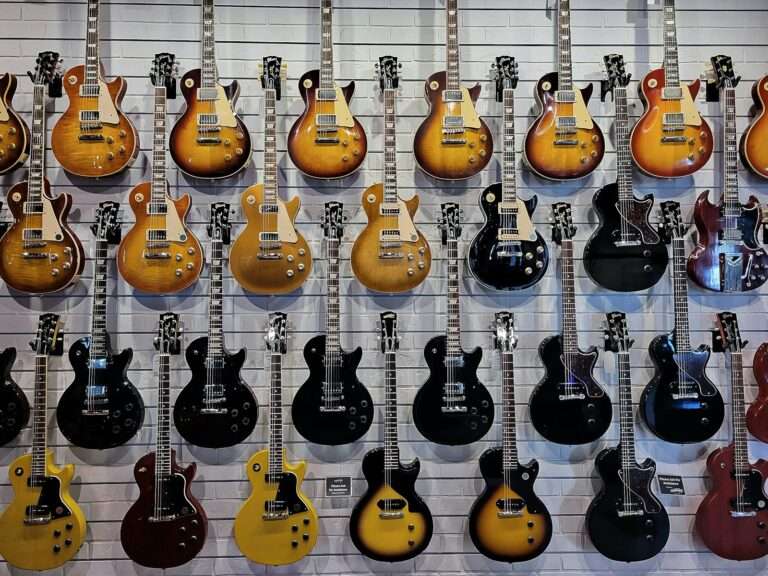
Find gear. Try “I want a guitar”, “got any strats”, or “recommend a bass”. Helpford shows live ToneTrade listings — prices and photos as they are on the listing. Tap a card to open it.
Escrow. Ask “how does escrow work”. TradeSafe holds your payment until you confirm delivery. ToneTrade never holds the cash. Full policy is linked from the reply.
Orders. Sign in, then ask “my orders” or tap the chip. You only see your own history.
Delivery. Sellers set courier, and may offer pickup or local delivery within a radius. You choose at checkout (and on cart once an address is in) — not on the product page. See the shipping policy.
For sellers
Listings. Signed in as a seller, ask “my listings” for a quick look at what’s live.
Fees & Featured. Ask about fees. ToneTrade is 1% + R10 on a successful order. TradeSafe escrow fees are separate. Optional Featured promotion is R49 for 7 days from your dashboard — more visibility, not a sale guarantee. Details on Fees.
Dashboard. Helpford does not sit on the seller dashboard. List, ship, and mark Delivered there; come back to the shop or News if you want the assistant.
What Helpford will not do
- Promise payout dates, refunds, or that a listing will sell.
- Release or hold escrow — that is TradeSafe, after you confirm (or the inspection window ends).
- Invent stock. Cards are live ToneTrade listings only.
- Replace a dispute. Contact the seller first with evidence. If it stays unresolved, use TradeSafe’s path while funds are held. ToneTrade cannot manually release escrow.
Talk to a human
Tap Talk to a human in the chat, or use Contact / sales@tonetrade.co.za. For an order problem, message the seller from the order first.
Ready to try it? Open Helpford on this page, or browse live gear. More reading lives in News and the FAQ.